Pages

Monday, April 12, 2010

Street View

I have discovered that my room is on Street View. The room from where I am writing now, from where I have written all my posts, where I have been working for the last 44 months is this one:
The next window at right leads to my bedroom.

Friday, April 9, 2010

Internet Download Manager 5.18 build 8

Schedule, resume and accelerate downloads by up to 5 times with this very good accelerator. Internet Download Manager (IDM) is a tool to increase download speeds by up to 500 percent, resume and schedule downloads. Comprehensive error recovery and resume capability will restart broken or interrupted downloads due to lost connections, network problems, computer shutdowns, or unexpected power outages. Simple graphic user interface makes IDM user friendly and easy to use. Internet Download Manager has a smart download logic accelerator that features intelligent dynamic file segmentation and safe multipart downloading technology to accelerate your downloads.

During the download process Internet Download Manager segments downloaded files dynamically, unlike other download accelerators and managers that segment files before the download starts Internet Download Manager reuses available connections without additional connect and login stages to achieve better acceleration performance. Internet Download Manager supports proxy servers, ftp and http protocols, firewalls, redirects, cookies, directories with authorization, MP3 audio and MPEG video content processing, and a large number of directory listing formats.

IDM integrates seamlessly into Microsoft Internet Explorer, Netscape, MSN Explorer, AOL, Opera, Mozilla, Mozilla Firefox, Mozilla Firebird, Avant Browser, MyIE2, and all other popular browsers to automatically handle your downloads. You can also drag and drop files, or use Internet Download Manager from command line. Internet Download Manager can dial your modem at the set time, download the files you want, then hang up or even shut down your computer when it's done.

Other features include multilingual support, zip preview, download categories, built-in download accelerator, scheduler pro, sounds on events, HTTPS support, queue processor, pipelining of ftp commands, html help and tutorial, enhanced virus protection on download completion, progressive downloading with quotas (useful for connections that use some kind of fair access policy or FAP like Direcway, Direct PC, Hughes, etc.), command line parameters, and many others.

Article Source
If u need a KeyGen, serial number and crack, please used Craagle 1.91
Screenshot :


MORE >>>

Size: 3 mB
Publisher: Visit Website
OS: Windows All

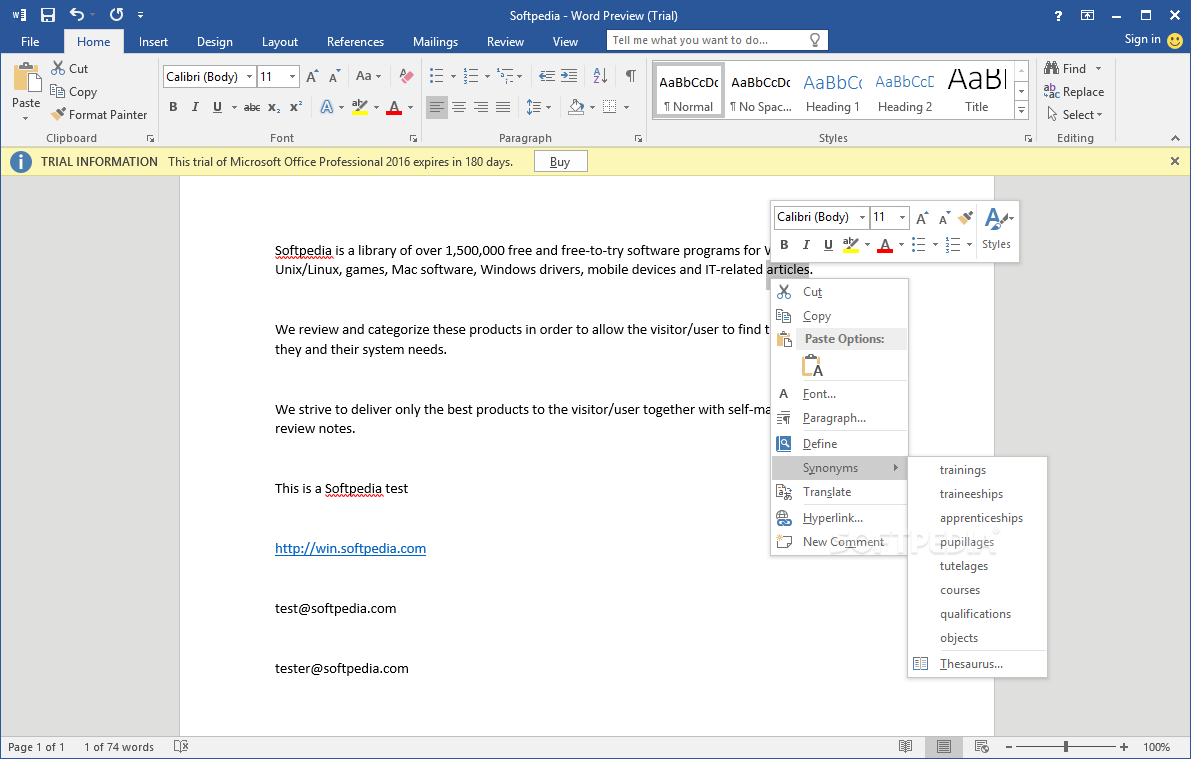
Microsoft Office 2010 Download

Powerful new tools to express your ideas, solve problems, and connect with people. Microsoft Office 2010 gives you powerful new tools to express your ideas, solve problems, and connect with people. Office 2010 lets you work how, when, and where you want, letting you get things from a PC, the Web, and even a smartphone.

Use Office 2010 virtually anywhere: PC, phone, browser
With Microsoft Office 2010, you can review and do minor editing on Word, Excel, PowerPoint, and OneNote 2010 documents, virtually anywhere, by using Office Web Apps from more locations on more devices.Keep your people productive on the go. Office 2010 lets you access and edit documents stored on a server while you’re offline with SharePoint Workspace 2010, and then automatically syncs these changes when you’re back online. So you stay productive while on the go. Support your employees, regardless of location or device. Office 2010 saves you time and money by helping you deploy and manage Office on the PC, the smartphone, and the Web, all from within familiar Microsoft System Center tools.

Bring ideas to life
Create and deliver presentations that help you stand apart from the competition. Office 2010 puts you in the director’s chair, enabling you to create dazzling digital content in PowerPoint 2010 without the need for expensive third-party tools. And you can broadcast your presentation to anyone with a browser, even if they don’t have PowerPoint. Stay organized and on top of your work. OneNote 2010 pulls together everything from daily sales figures to digital images, so all the information you need is easily accessible. You can also create side notes that stay on your screen as you move between different programs, so you can keep your thoughts organized as you multi-task. This helps you stay organized while saving you time.

Turn intuition into insights to make quicker and more informed business decisions. Excel 2010 provides tools for improved data visualization, which can give you key insights into business processes and tailor messaging and products to best meet customer needs. Whole trends can be conveyed in a single cell with Sparklines. And there are more options in styles and icons in conditional formatting, as well as the ability to highlight specific items like such as “max/min” in a single click.

Work better together
Collaboration means better work and beating deadlines. Co-authoring allows multiple people to work on the same document at the same time, such as an RFP, to respond faster and meet deadlines. With Office 2010, several team members can work on Word 2010 and PowerPoint 2010 documents simultaneously and see who else is working on which sections, regardless of location.

Reduce travel costs and spend less on third-party conferencing tools. Office 2010 helps your people save time and money by providing one-click communication through unified communications technology, and real-time document sharing from within Word, PowerPoint, and Excel 2010 without the need to switch applications. This makes virtual meetings more effective so team members can get more done without being in the same room.

Instantly share a presentation. Hold spontaneous meetings with customers and partners with PowerPoint 2010. Broadcast Slideshow allows you to present a slideshow entirely through a Web browser—no matter where your audience is at. No need for your customers to have a third-party conferencing tool, or even PowerPoint. All they have to do is click on a link and a browser window opens with your slides.

Article Source
If u need a KeyGen, serial number and crack, please used Craagle 1.91
Screenshot :


MORE >>>

Size: 684 mB
Publisher: Visit Website
OS: Windows XP +

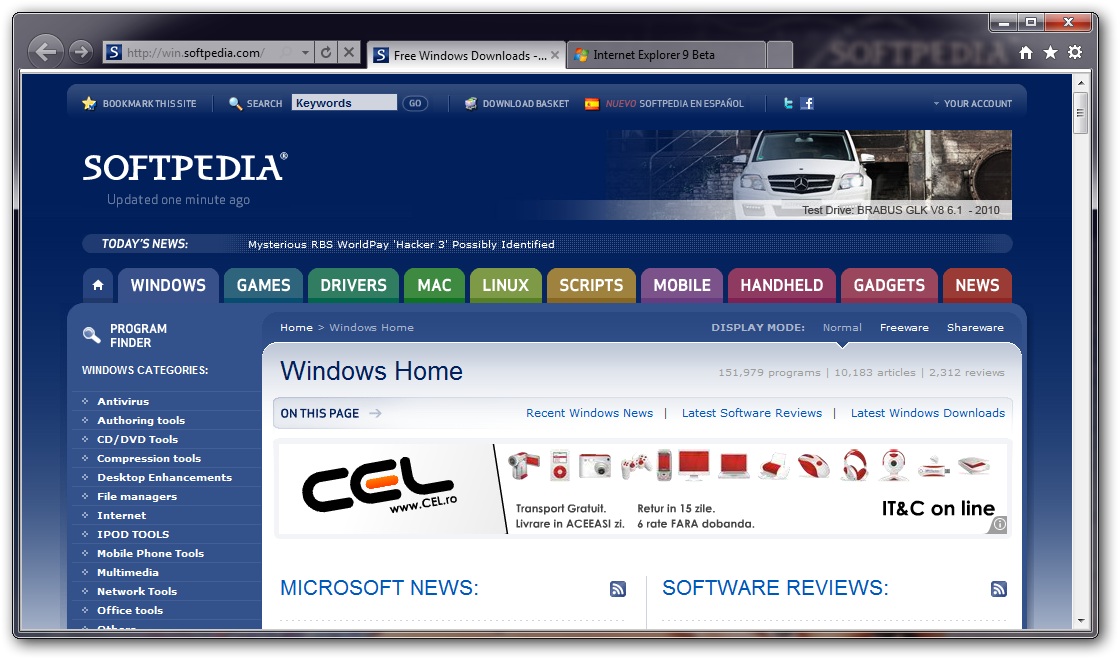
Internet Explorer 9 Download!

Interested in checking out the new Web platform capabilities of Internet Explorer 9? The Platform Preview is an early look at the Internet Explorer 9 platform so some features are incomplete, some may change, and some may be added. Microsoft asks that you refrain from providing feedback on features where noted that they are either partially implemented or not available. Microsoft is aware of their condition and will provide updates in future releases. Similarly, for known issues, Microsoft is also aware of their existence and are actively working on them.

Using and setting the home page
The default home page of the Platform Preview is the Internet Explorer 9 Test Drive site, which you can use to see demos for and information about the new Internet Explorer 9 platform. You can press F10 at any time to go to your home page. To change your homepage, right click the Internet Explorer Platform Preview icon in the Start menu and choose Properties. In the Target field on the Shortcut tab add your home page URL to the end of the path

Developer Tools
The Platform Preview includes built-in Developer Tools. These tools help developers debug and understand the interaction between their sites and the browser. To open the Developer Tools, click the Debug menu and click Developer Tools, or press F12. The status bar indicates when the page generates script errors. You can use the Developer Tools to get more information about and debug script errors.

Create Shortcuts to Common Pages
To simplify navigating quickly to pages you commonly use you can create shortcuts. To do so, copy the Internet Explorer Platform Preview icon on your desktop and paste it to your desired location. Right click the newly created shortcut and click the Properties menu item. Update the Target field on the Shortcut tab to start the Platform Preview with the URL of your choice

Article Source
If u need a KeyGen, serial number and crack, please used Craagle 1.91
Screenshot :


Size: 14.2 mB
Publisher: Visit Website
OS: Windows All

Saturday, March 27, 2010

Cold War

Please find the similarities:

http://www.ansa.it/web/notizie/rubriche/english/2010/03/26/visualizza_new.html_1737522932.html

http://acdlabs.typepad.com/freenmrblog/


http://www.telegraph.co.uk/sport/football/leagues/premierleague/chelsea/7457982/Chelsea-v-Inter-Milan-as-it-happened.html


To tell the truth, I will always like Russian people because of Čajkovskij, Botvinnik, Tolstoj, Kramnik, Puškin, Šostakovič and I also like the Ucranians Lobanovs'kyj and Prokof'ev, the Latvian Tal', the Azerbaijani Kasparov... I even respect Putin more than Obama (without even mentioning our shameful and unpresentable Mr. B., of course). It is not in my nature to fight. Russians are free to do whatever they like with their own money. Sometime it looks obscene, sometime they find a Samuel Eto'o.

Friday, March 12, 2010

Two Promises

I promised a review on the DOSY Toolbox and the program itself is a promise too. It has only arrived at version 0.8, which is an explicit declaration: it is not completed yet. What could be missing? From my personal point of view, the documentation is largely incomplete. I can easily find out by myself how to perform the basic NMR processing (FT, phase and baseline correction, correction of the frequency scale, and so on), because I have continuously been doing these operations for 25 years with countless different computers. I feel lost when doing the specific DOSY processing. The meaning of the buttons looks clear. I have also read a few papers describing the scopes and the internal details of each method, but I still miss the general picture.
The ideal solution for a user like me would be a set of test spectra with detailed step-by-step instructions on how to process them to get the best results and, for the lengthy calculations, the time required. In this way I would have a tool to test if the version I have installed is free of bug (and properly installed) and at the same time a collection of tutorials.
What makes the toolbox rather unusual is the language used to write it, which is not C++ or Java or Python, but MATLAB. The consequences are that many operations are a little harder than usual. Examples are: starting the program, opening and saving a file, selecting a region, understanding if the program is idle or busy. These nuisances are mitigated by the facts that the program:
1) is free;
2) is cross-platform;
3) is the only alternative I can find in this price range;
3) can import and export the spectrum at any processing stage, so you are still free to use your preferred program for generic manipulations.
The one thing you'd better get used, if you launch the program from a unix shell, to is to look frequently at the contents of this shell during the execution of the toolbox, because many important messages are reported there. They can signal a situation of error, or explain why a command can't be executed, or simply inform you about the current status of the program.
The main window contains all the buttons for all the available processing functions. In practice the space allocated for the controls is larger than the area containing the plot. The latter can show only one selected row of the experiment (after FT). After the DOSY processing a second window appears with a contour plot of the complete DOSY map. The new window contains additional controls, most of them containing the word "plot" into their titles.
Nowadays I have a very large monitor, yet I can only work with the windows at their maximum sizes. I am a little worried about what can happen if you install the program on a laptop, because when I make the windows smaller I can't read the numerical values anymore (the fields are scaled down proportionally to the window, while the text size remains large, so I can only see the bottom parts of the digits).

It seems that, up to this moment, I have described MATLAB more than the DOSY toolbox itself, right? For the reasons I have reported, I could only try the simplest algorithm (HR-DOSY, mono-exponential) and the results are really great. The components of the (difficult) test that comes with the program are resolved. It is a mixture of sucrose, isopentanol and n-propanol. It is the same mixture shown on Journal of Magnetic Resonance (DOI).
During the last two months I have exchanged hundreds of messages with the author. It has been a painful and continuously interrupted work, because we had different computers and, more importantly, I have no copy of MATLAB. Each of us also had the usual urgent chores to deal with in the same period. I must admit I have been boring and annoying, often asking questions I could have found an answer to by myself. This slow torture has come to an happy end when we have created and successfully tested a file format (called DOSY Toolbox ASCII) to exchange data with other NMR programs, both in input and in output. It's enough that the other program is scriptable, and that you can read/write text files with a script. If these conditions are met, you can de facto use the toolbox as an external module of your preferred traditional NMR program.
Apart from the happiness for this extremely useful achievement, I have been the witness of the dedication and the kindness of Mathias Nilsson. I will remember with joy this collaboration, despite the several frustrating moments. We never met in person, so I identify the name Nilsson with the interface of the program and not with the face of the man. It is rather strange, even for someone like me that spends whole days in front of a computer. When the main window of the DOSY toolbox appears on the monitor, I feel like I am visiting a new friend of mine.

Wednesday, February 10, 2010

Buying the Blog Reviews to Promote Products

Internet has been considered as the perfect media to promote our business. Some of the internet users have decided to use the internet as their most effective media to have some marketing actions. Some of them have decided to use the blog or websites to promote their business. For some people, that would be the perfect media to run the marketing actions. In the blog, they would only need to write something about the products.


The other internet users would find the reviews. To make sure that their blog would be opened and the reviews would be read, they should make sure that the blog could be read by the search engine. To make sure that it could happen, they should write the reviews and posted it to the blog frequently. That would be some sorts of handicaps for them. They just didn’t have some times to write those reviews about their products.

In order to make sure that they blog would stay active; they have decided to use the “outsourcing” service. They have to advertise on blogs. That would be the excellent solution to keep the blog active so they could promote their products regularly, and they could do some other kinds of activities.